
Clinician login
You must be logged into the clinician console to conduct patient visits.
To log in:
Navigate to the console login page, and then enter your Email and Password.
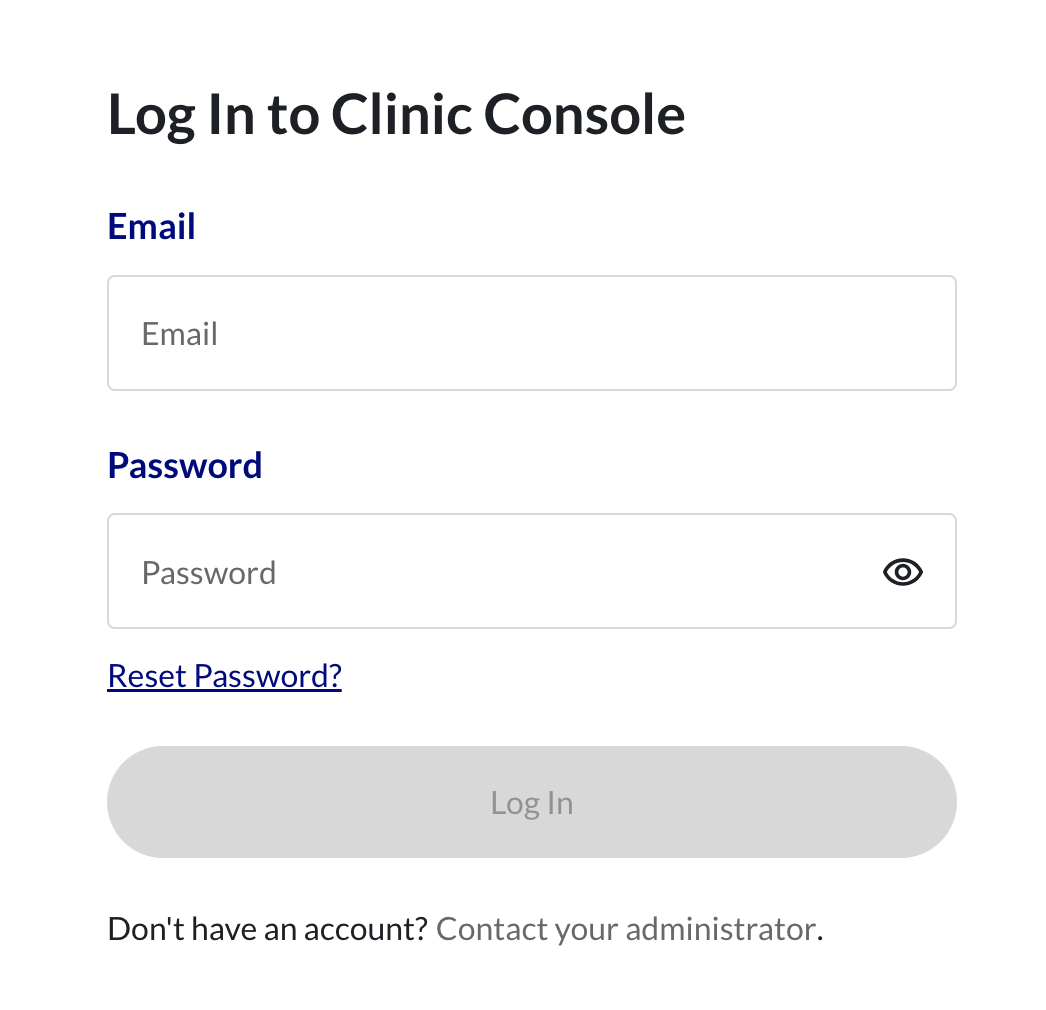
You may click the eye icon to reveal your password.
Click Log In.
If you forget your password, click the Reset password link. The console will ask you to provide your email address, where you will receive a link to click to set a new password.
The Visit Queue displays when you have successfully logged into the console. (Refer to Visit Queue for more information.)